
Symbolic representation of the Knowledge Hub architecture – structured knowledge base as an AI foundation

Knowledge Hub: The ideal knowledge base for your AI chatbot.

Utilize documents, websites, and system data in a searchable, always up-to-date knowledge base for your chatbots.

Made & Hosted in Germany

Symbolic representation of the Knowledge Hub architecture – structured knowledge base as an AI foundation

Knowledge Hub: The ideal knowledge base for your AI chatbot.

Utilize documents, websites, and system data in a searchable, always up-to-date knowledge base for your chatbots.

Made & Hosted in Germany

Symbolic representation of the Knowledge Hub architecture – structured knowledge base as an AI foundation

Knowledge Hub: The ideal knowledge base for your AI chatbot.

Utilize documents, websites, and system data in a searchable, always up-to-date knowledge base for your chatbots.

Made & Hosted in Germany

Mercury Logo - Full version with bubbles and lettering "Mercury.ai" Conversational AI Platform

Solutions

Platform

Resources

Company

Central Data Source

Tailored and controlled knowledge for your chatbots

Directly from your own systems. Your single source of truth for AI answers in the chatbot.
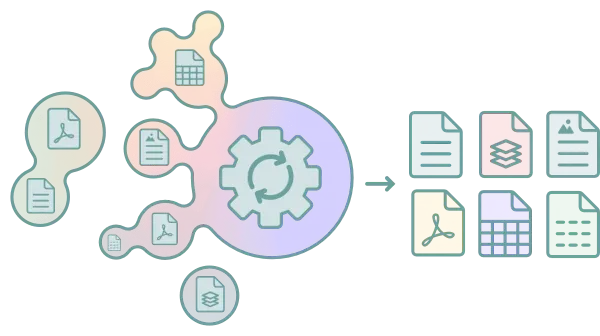
Mercury.ai Knowledge Hub Integrations Overview – automatic import from various source systems and file formats

The Mercury.ai Knowledge Hub processes unstructured company data into a structured, searchable knowledge base. No more inconsistencies between intranet, website, and documents. Without duplicate data maintenance, featuring direct integration with CMS, CRM, and document sources.
Mercury.ai Knowledge Hub – networked knowledge base as a symbolic 3D illustration

Your chatbot for answers with the highest precision

The Knowledge Hub turns scattered files, wikis, and websites into a centrally maintained knowledge base – optimized for AI and customer search queries.

Supported Formats

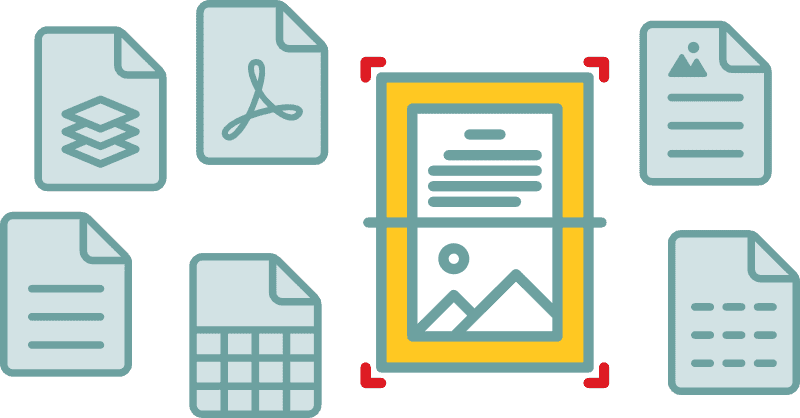
Word, Excel, CSV, PDF, images, and many more up to specialized formats – including intelligent text recognition for scans.

Supported file formats in the Mercury.ai Knowledge Hub: PDFs, Word documents, spreadsheets, images and more

Scalable Infrastructure

Easily processes manuals of more than 20,000 pages without losing any information.

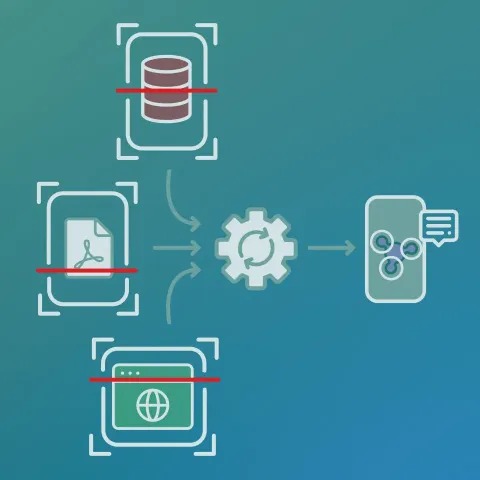
Schematic representation of the Mercury.ai knowledge pipeline: From the knowledge base through AI processing to mobile output

Your data, seamlessly connected

Automated content import, real-time customer profiles, and product data queries with no delay.

A visualization of a drag-and-drop menu.
Mercury.ai Knowledge Hub – networked knowledge base as a symbolic 3D illustration

Your chatbot for answers with the highest precision

The Knowledge Hub turns scattered files, wikis, and websites into a centrally maintained knowledge base – optimized for AI and customer search queries.

Supported Formats

Word, Excel, CSV, PDF, images, and many more up to specialized formats – including intelligent text recognition for scans.

Supported file formats in the Mercury.ai Knowledge Hub: PDFs, Word documents, spreadsheets, images and more

Scalable Infrastructure

Easily processes manuals of more than 20,000 pages without losing any information.

Schematic representation of the Mercury.ai knowledge pipeline: From the knowledge base through AI processing to mobile output

Your data, seamlessly connected

Automated content import, real-time customer profiles, and product data queries with no delay.

A visualization of a drag-and-drop menu.

Secure Processes

Curated and verified knowledge for your chatbots

Precise answers. No hallucinations.

Your chatbot doesn't guess – it responds precisely based on your company knowledge. Every answer is backed by real documents and CRM integrations that you define. No speculation, no invented answers.
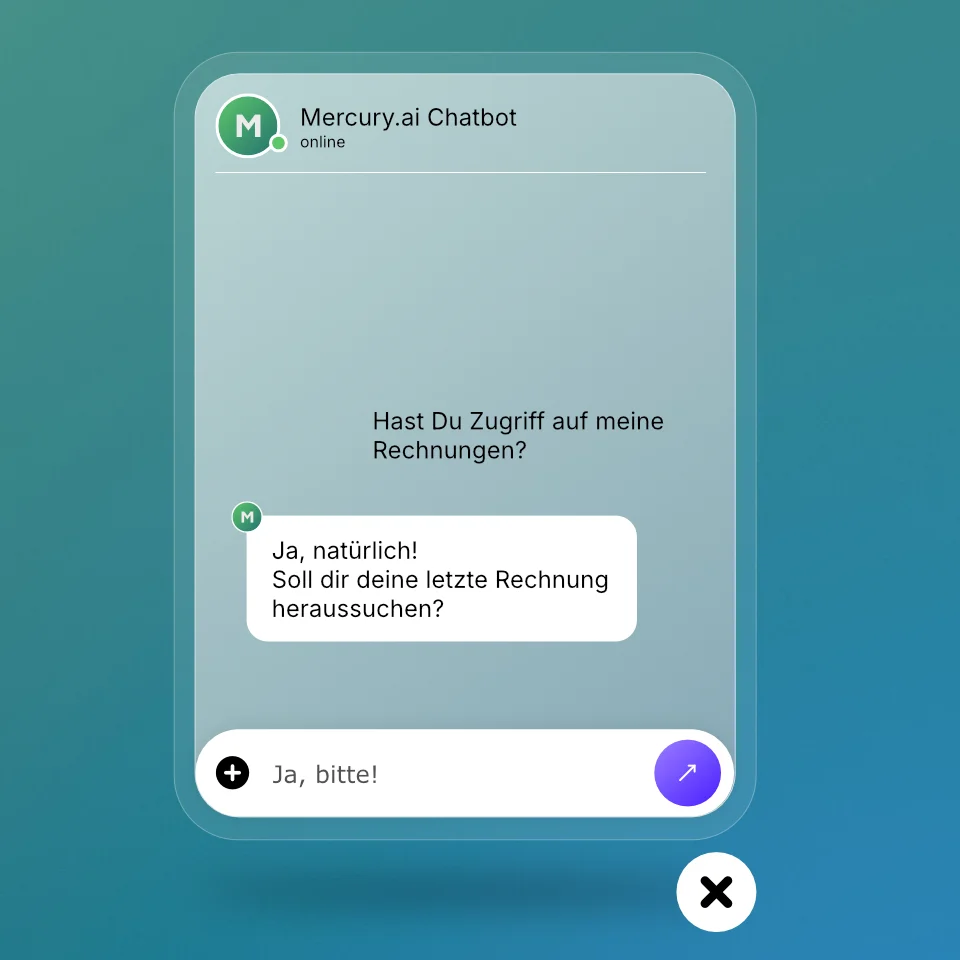
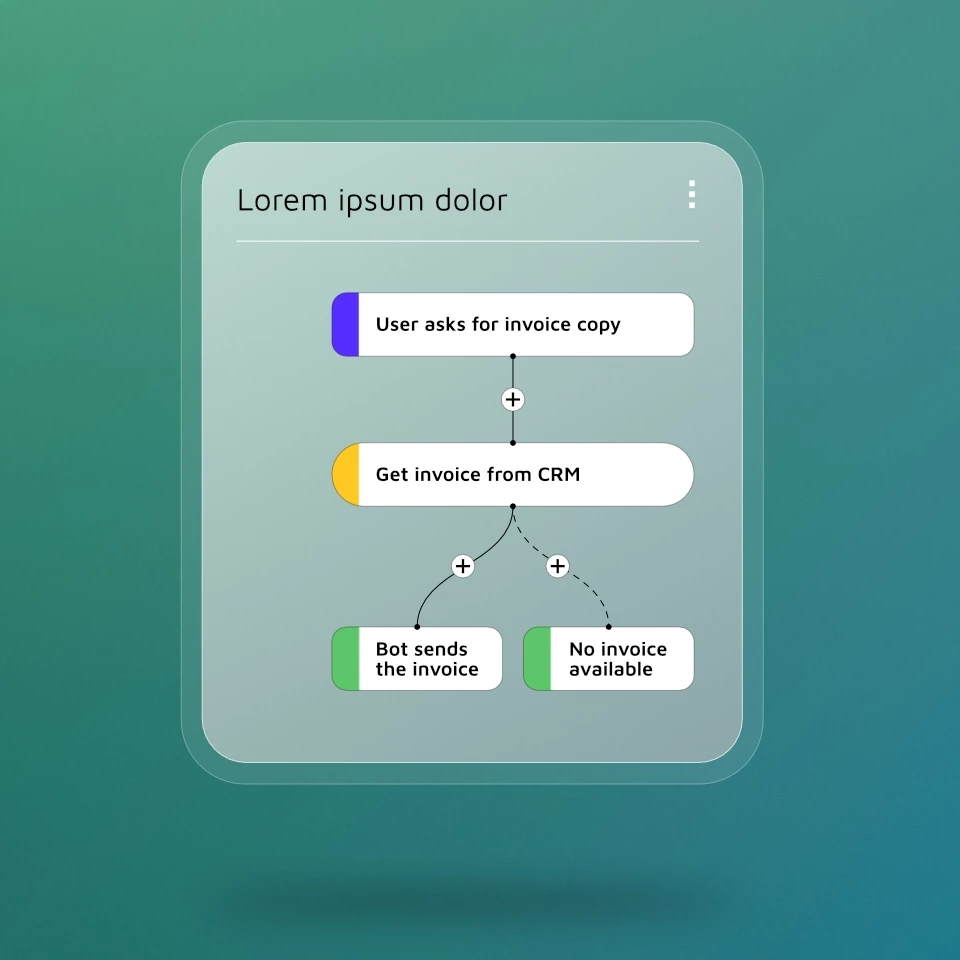
Mercury.ai chat widget with active conversation – Knowledge base available directly in the customer dialogue
Mercury.ai chatbot interface with Knowledge Hub integration – precise, source-based answers in customer dialogue

Human communication. Secure processes.

Structured dialogues secure critical processes such as SAP queries or returns. At the same time, generative AI enables natural and flexible conversations. This ensures your chatbot remains controllable while still delivering a user-friendly experience.

Always up to date

Knowledge that maintains itself.
With no additional effort.

Synchronization in real time. Fully automatic.

If content changes on the web, SharePoint, or CMS, your Knowledge Hub updates automatically. Intelligent crawlers detect changes on your website in near real-time and synchronize the knowledge base without manual maintenance.
Mercury.ai Knowledge Hub Dashboard – Management and monitoring of connected data sources and knowledge areas
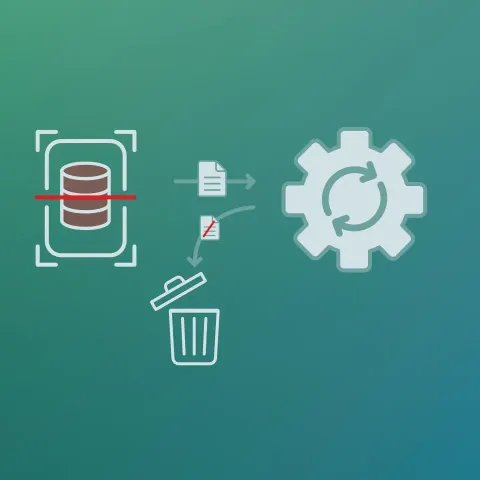
Automated knowledge processing in the Mercury.ai Knowledge Hub – rule-based update and synchronization

Outdated knowledge? Sorted out.

The Knowledge Hub detects outdated information through intelligent versioning, prevents contradictions, and archives obsolete content fully automatically. This ensures your knowledge base remains up-to-date – with minimal maintenance effort.

Context instead of keywords

A chatbot that understands questions.

Customers rarely formulate questions the way systems expect them to. Semantic Search and vector-based search capture the intent even with vague or indirect questions. This allows the chatbot to find the right answer even to imprecisely posed questions.
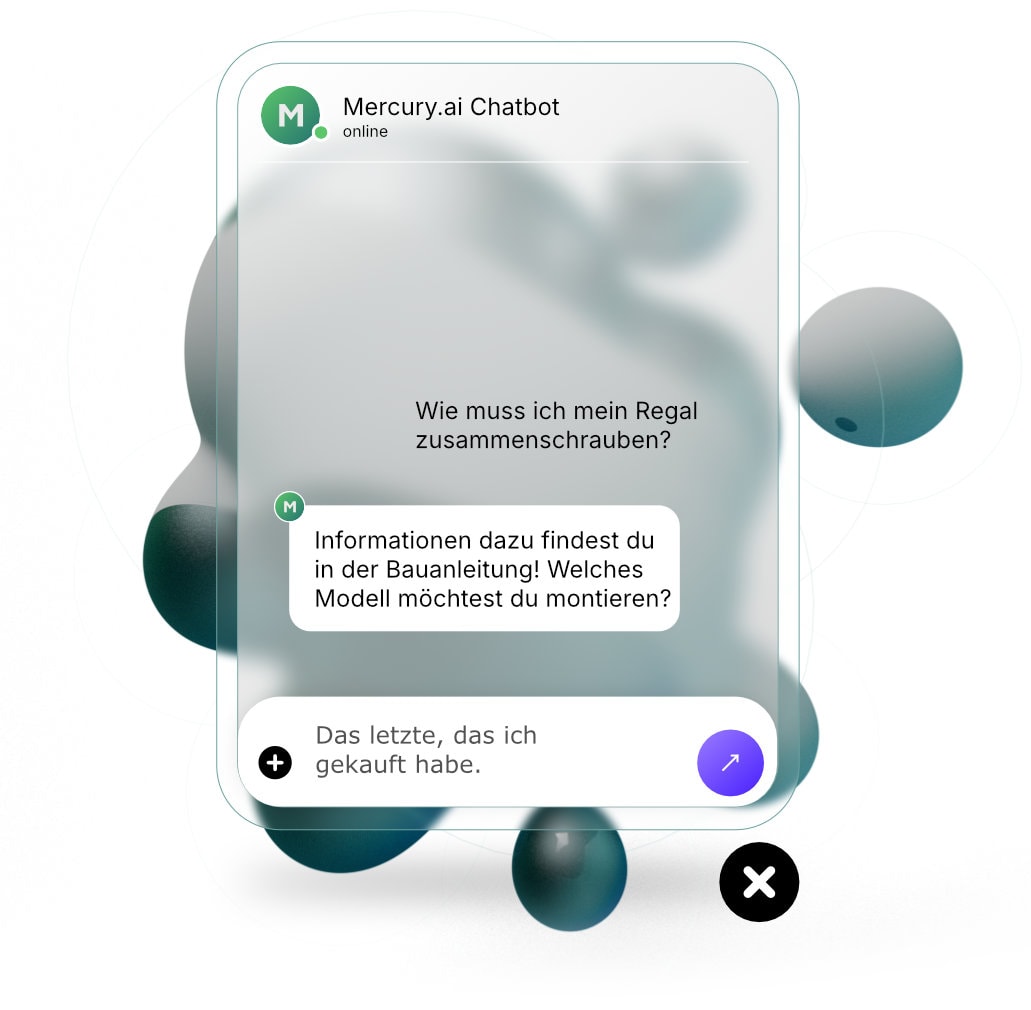
Mercury.ai Chat Widget with Knowledge Hub integration – verified answers directly from the knowledge base

Frequently Asked Questions

Frequently Asked Questions

Which document formats are supported?

In principle, all file formats and documents are supported. Word, Excel, CSV, PDF, images, and special formats – including OCR for scans.

How up-to-date is the data kept?

Automatic synchronization – changes applied in near real-time.

How are hallucinations prevented?

The bot answers exclusively from the verified knowledge base. Unresolved queries are escalated.

Can I manage the knowledge base myself?

Yes. Specialized departments maintain the basis independently via the No-Code Studio.

Four black dots on a white background as a symbol for interaction or user interface at mercury.ai

Scalable knowledge sources. Transparently calculable.

You can start small, but scale limiting. Automatic updates included and no extra costs.

Four black dots on a white background as a symbol for interaction or user interface at mercury.ai

Scalable knowledge sources. Transparently calculable.

You can start small, but scale limiting. Automatic updates included and no extra costs.

Live in Bielefeld · 10. Juni

KI im Mittelstand

Das kompakte Event für Entscheider:innen. 3 Perspektiven, 20 Plätze.

Details & Anmeldung