


An AI chatbot connects to company systems via connectors and interfaces, to CRMs like Salesforce or HubSpot, to ERPs like SAP or Microsoft Dynamics, and to the central knowledge base. Only with this access can it answer more than general questions and work with actual transaction data. For the selection, both matter: matching standard connectors and data access that keeps processing in Germany. This guide shows which systems can be integrated, how the integration works, and what is important regarding data protection.
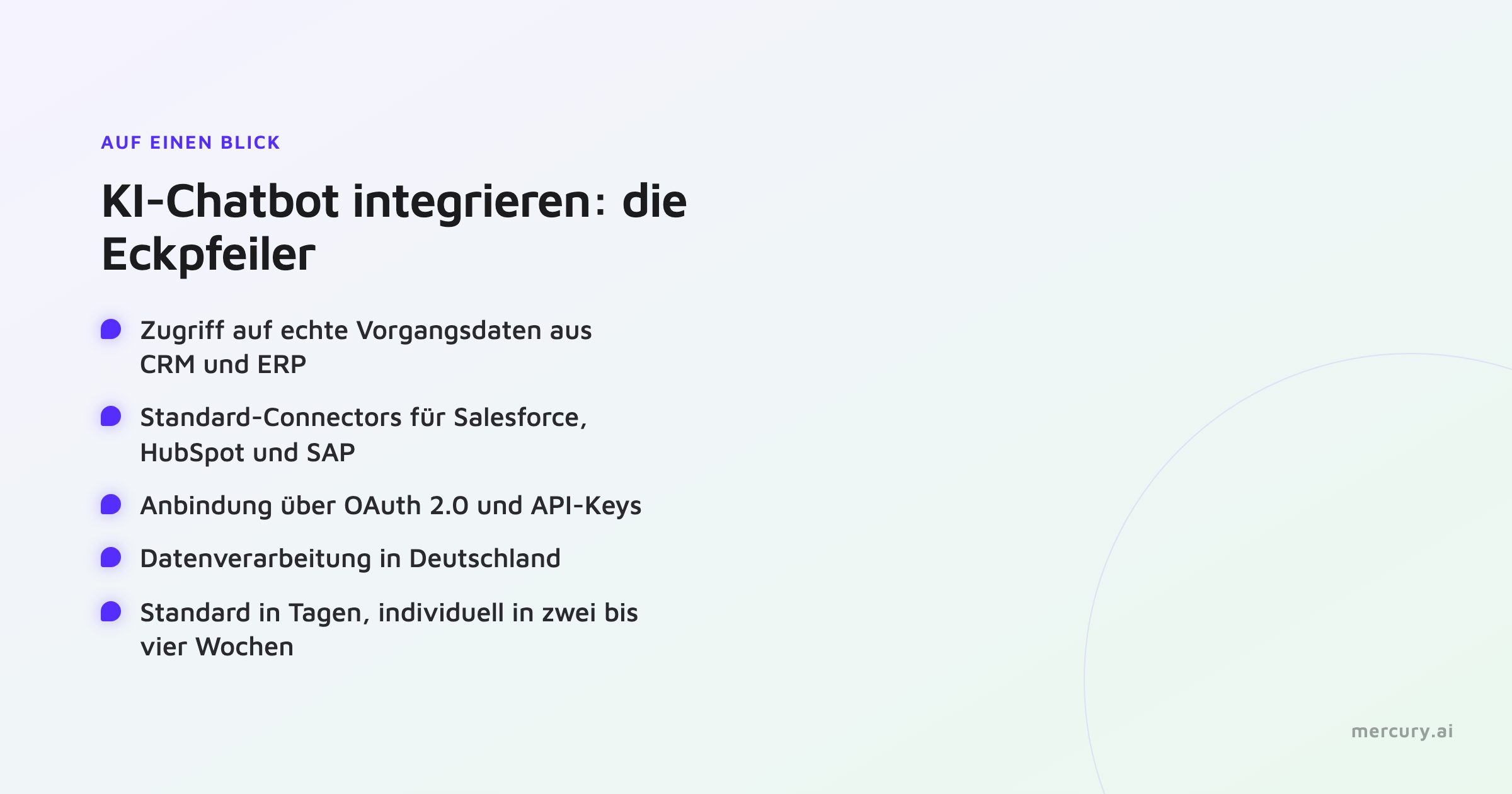
At a Glance
Access to actual transaction data: The chatbot reads order, contract, or customer data from CRM and ERP systems instead of only providing general information.
Standard connectors for common systems: Salesforce, HubSpot, Pipedrive, SAP, Microsoft Dynamics 365, Personio, and Confluence.
Connection via OAuth 2.0 and API keys, with Single Sign-on via SAML or OAuth.
Data processing in Germany, without transfer to third countries.
Realistic timeframes: Standard connectors in a few days, individual integrations in two to four weeks.
Answers from verified sources, bound to the central knowledge base.
Why Integration Determines Value
An AI chatbot without system integration is limited to general information. It can explain a process but does not know the specific transaction. It can only answer questions about the status of an order, the status of a contract, or stored master data once it has access to the underlying systems.
Integration thus elevates the chatbot from the level of standard responses to the level of transaction processing. It reads from the CRM to see what contracts a customer has, checks the delivery status in the ERP, and sends an update back. The value in customer service, sales, and HR depends precisely on this access.
Which Systems Can Be Integrated
A viable provider covers common system classes with standard connectors:
CRM: Salesforce, HubSpot, and Pipedrive for customer, contact, and sales data.
ERP: SAP and Microsoft Dynamics 365 for order, transactional, and logistics data.
HR Systems: Personio for employee and self-service data.
Knowledge Sources: Confluence, CMS, SharePoint, and websites as a basis for answers.
PIM: Product data for consulting and guided selling.
For systems without a standard connector, the connection can be custom-built via the API.
How the Integration Works Technically
The connection runs through established interfaces. To gain access, the chatbot uses OAuth 2.0 or API keys, and login is managed via Single Sign-on using SAML or OAuth. Standard connectors to common systems are set up in a few days; custom connections require two to four weeks depending on the scope.
The direction of the data flow is important. A chatbot reads data to answer a query and writes back to update a process. For handovers to human agents, a bidirectional integration is recommended so that the context of the conversation is preserved in the CRM.
Data Protection in System Integration
With integration, personal data flows between systems. For GDPR compliance, where this data is processed is crucial. Processing in Germany without transfer to third countries is the robust approach. Ask the provider about the processing location and whether calls are made to external providers for the generative component.
It also matters where the answers come from. A system that binds its information to the verified knowledge base provides reliable answers from transaction data. How this source binding works is shown in the article on hallucinations in AI chatbots.
How Mercury.ai Solves Integration
Mercury.ai connects company systems via standard connectors while keeping processing in Germany. This includes integrations with CRMs such as Salesforce, HubSpot, and Pipedrive, ERPs like SAP and Microsoft Dynamics 365, as well as Personio, Confluence, and other knowledge sources. Access is established via OAuth 2.0 or API keys, and login is managed via SSO using SAML or OAuth.
Answers are sourced from the Knowledge Hub, the central knowledge base with access to CRM, CMS, SharePoint, and websites. The Agent Desk integrates Salesforce bidirectionally, ensuring conversation context is preserved during agent handover. Standard connectors are set up in a few days, and custom integrations in two to four weeks. A detailed overview is available on the integrations page.
Frequently Asked Questions
Can an AI chatbot be integrated into SAP?
Yes. The connection to SAP is established via a connector that makes order, transaction, and logistics data available to the chatbot. Access is handled through the designated interfaces.
How is a chatbot connected to Salesforce or HubSpot?
Via standard connectors using OAuth 2.0 or API keys. The chatbot reads customer and sales data and can write back process updates. At Mercury.ai, the Agent Desk connects Salesforce bidirectionally.
How long does the integration take?
Standard connectors to common systems are set up in a few days. Custom integrations require two to four weeks depending on the scope.
Does the data remain in Germany during integration?
With Mercury.ai, data is processed in Germany without transfer to third countries. No calls are made to external providers for the generative component.
Which systems can be connected without a standard connector?
Systems without a pre-built connector can be integrated individually via the API. The effort required is typically two to four weeks depending on complexity.
Conclusion
Integration determines whether an AI chatbot provides general information or works with actual transaction data. Key factors are matching standard connectors for CRM and ERP, integration via established interfaces, and data access that keeps processing in Germany. Mercury.ai brings these elements together and binds responses to the verified knowledge base.
Would you like to connect your chatbot to CRM and ERP? Get in touch with us or view the integrations.