


A chatbot only becomes useful for a Shopware shop when it accesses three things: product data including variants and properties, real-time stock and prices, and the shopping cart. Without this access, it answers general questions and sends customers back to the filter search for anything specific.
Shopware is built API-first, so the technical integration is rarely the problem. The difficulty lies elsewhere: preparing the data in such a way that the assistant identifies the correct item from thousands of similar products and does not claim anything that is not in the data sheet.
This guide describes what the integration must achieve, which three paths are available, and which questions you should ask every provider.
What the integration must achieve
Five requirements determine whether the chatbot becomes a sales channel.
Product data with properties and variants. Title and description are not enough. The assistant needs the properties that differentiate similar items, such as dimensions, material, color, packaging size, and compatibility.
Real-time stock and prices. Recommending an out-of-stock item costs more trust than it generates in revenue. For B2B shops, customer-specific prices and tier pricing must also be included.
Shopping cart access. The assistant adds items to the shopping cart on demand, instead of sending the customer back to the navigation.
Order and shipping status. The most frequent service request in the shop. For this, the assistant must recognize the logged-in customer and have permission to access their orders.
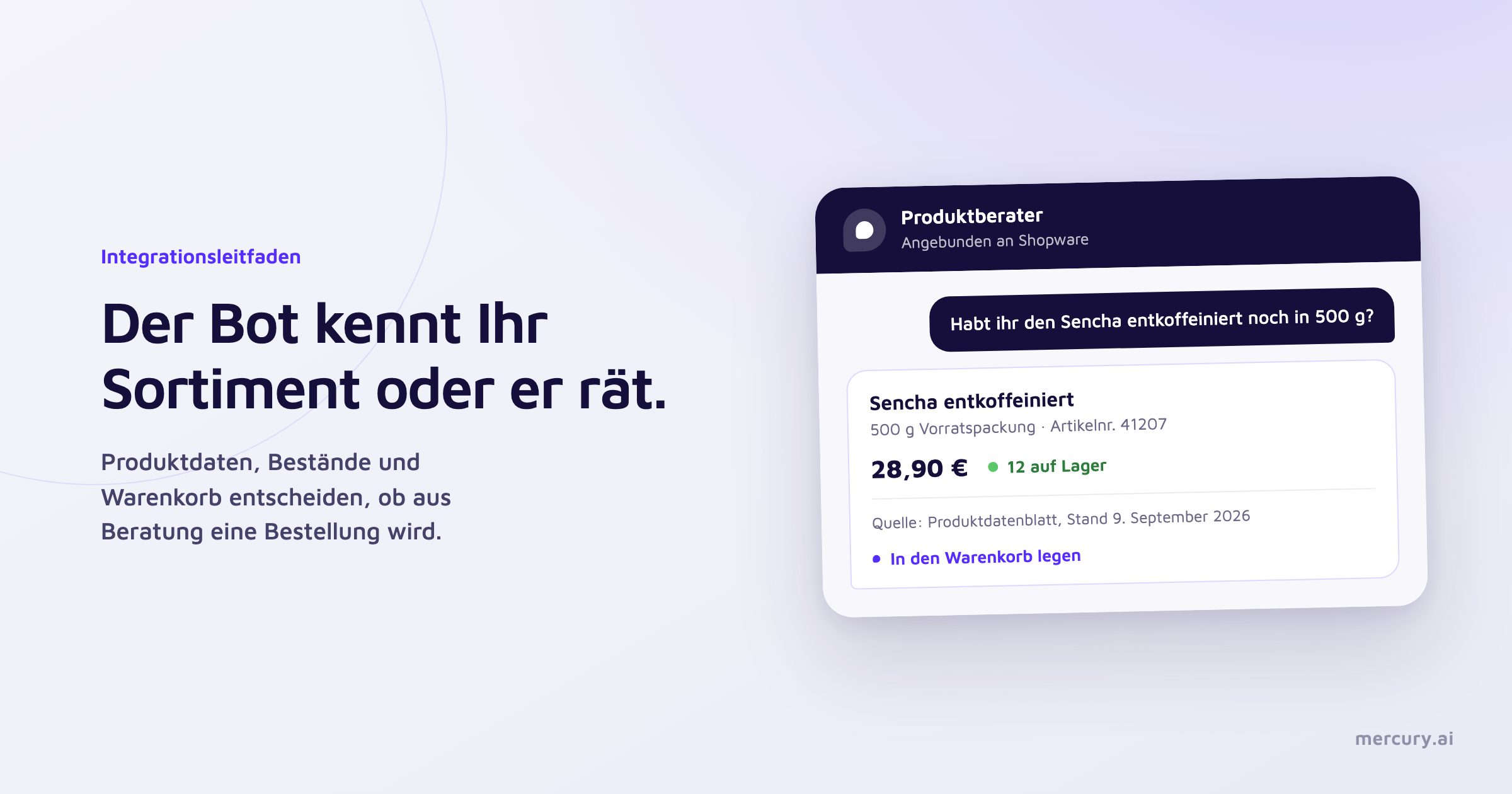
Traceability of every statement. Every piece of product information must include its source and status. This is the foundation for being able to prove, in case of doubt, what the assistant said.
Three ways to connect the chatbot to Shopware
Store Plugin | In-house Development | Platform with Connector | |
|---|---|---|---|
Initial Effort | low | high | medium |
Product Data Preparation | mostly indexed automatically | built by yourself | handled for you |
Variants and Properties | often superficial | freely modelable | structured and versioned |
Customer-specific Prices | rarely | freely modelable | via customer context |
Other Channels | mostly shop only | depending on setup | Web, WhatsApp, Phone |
Connecting Other Sources | limited | depending on setup | PIM, ERP, CRM, Documents |
Operation and Maintenance | by the shop team | permanently by the development team | by the provider |
Best Suited For | small product ranges, standard cases | special cases with custom logic | larger product ranges, multiple channels |
The decision depends less on the shop and more on the product range. For manageable catalogs with clearly distinguishable items, a plugin is sufficient. As soon as products differ only in detail or prices vary per customer, the effort shifts from the integration to data preparation, and that is where response quality is decided.
Why Shopware integrations fail
Confusion of similar items. In product ranges with many nearly identical entries that differ only in specification, price, or validity status, purely text-based approaches consistently miss the mark. The solution lies in targeted follow-up questions and a structured mapping of the differentiating properties.
Outdated stock information. A nightly sync is not enough for customer support. Stock and price must be queried at the exact moment of the response.
Missing authorization checks. The assistant reveals conditions in the advisory section that should only be visible after logging in. The check must happen before the response is generated.
Hallucinated product properties. A language model will generate a plausible statement even if the property is missing from the data sheet. When answers originate exclusively from verified sources, this risk can be significantly reduced.
No fallback in borderline cases. Questions regarding compatibility, health, or legal commitments belong to a human. Which ones those are is described in our article on what a chatbot should not answer.
What you deliver and what the provider handles
This division of labor should be clarified before signing a contract, as it determines the ongoing effort for your team.
One-off from you: Access to the Store API and other systems, approval of the relevant data fields, and final approval of the results.
Ongoing by the provider: technical integration and field mapping, structuring of content, quality assurance, updates, monitoring, and maintenance during API changes.
If a provider describes data preparation as your task, a new permanent role will be created within your team. This is the point where many projects become more expensive than calculated.
From product feed to verified answer

At Mercury.ai, the process runs in three stages. Product, knowledge, and customer data are imported from Shopware, PIM, CMS, and CRM. They are normalized, linked, checked for consistency, and versioned, so that decision paths across document boundaries are preserved. Only then does the assistant respond, exclusively from this verified inventory and with reference to the source.
In addition to Shopware, connectors exist for Shopify and Magento, for PIM and CMS systems like Akeneo, Contentful, and TYPO3, as well as for CRM and ERP. Everything else is handled via the open REST API. Standard connectors are set up in a few days, individual integrations in two to four weeks. Technical details can be found under Integrations.
Questions you should ask every provider
Where do stock and price come from at the time of the response, and how old are they at most?
How are variants and properties mapped that differentiate similar items?
What happens if there is no source available for a question?
Can the source and its status be displayed for every statement?
When is it verified whether the user is authorized to see the information?
Who maintains the data after the go-live, and with what level of effort?
How is the customer handed over to a human, and what data is transferred?
Does the same logic also run on WhatsApp and on the phone, or is it tied to the shop?
The last three questions separate a shop extension from a service platform.